

The top of a post is the only part everyone sees. On my site that spot has held the same kind of picture for years: a flat white on the kitchen table, morning light from the left, a crumb or two for honesty. It works. It also sits there like a stamp. I kept noticing that the recipe sites I admire open with a few seconds of movement instead, steam lifting off a cup or a knife going through a loaf, and the page feels awake before you have read a word.
I do not own a camera rig. My phone clips of steam come out grey and shaky, and the one time I set up a tripod the cat walked through the shot. So I went looking for AI video generators that would let me type a sentence and get a short clip back, on three conditions: free, no card on file, and no long sign-up form with yet another password to remember. I have enough of those for tools I used twice.
What I asked for
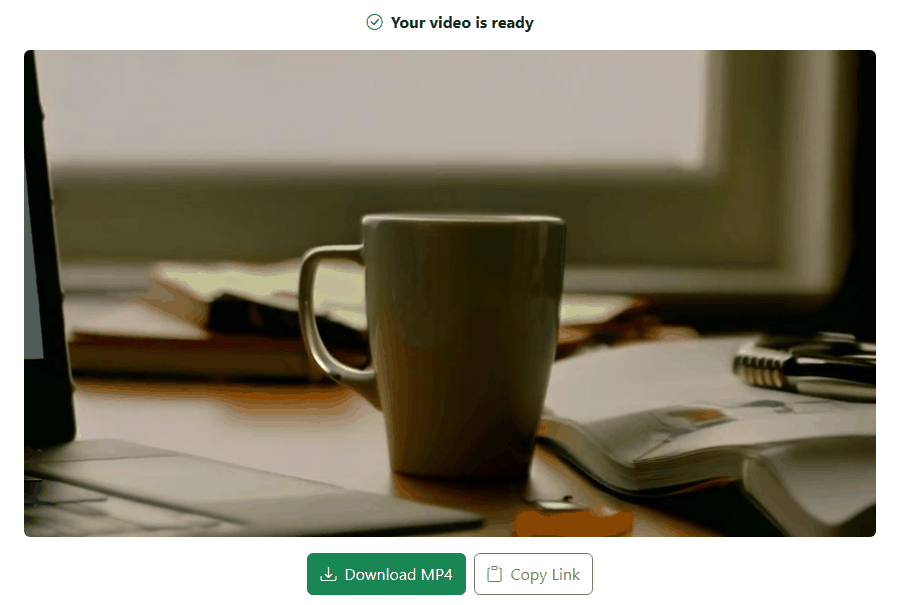
Two prompts, both written the way I would brief a photographer. The first: a steaming cup of coffee on a wooden desk next to an open notebook and a laptop, soft morning light from a window, slow camera push-in. The second: a fresh sourdough loaf being sliced on a rustic kitchen counter, flour dust in the air, warm cozy light, close-up.
That is the whole trick, I think. Describe the still photo you would have taken, then add one movement. Not three. One.
Where I ended up making the clips
rewind.ai has a video generator page that opens on a plain form you can read and set up before it asks you for anything: a box that says “Describe the video you want”, an optional starting image, a style preset, a duration menu and an aspect menu. When you press Generate it asks for an email address, and that is the whole sign-up: no password, no card. The free account that comes with it makes clips up to three seconds long, which is enough for a header loop that only needs to breathe.
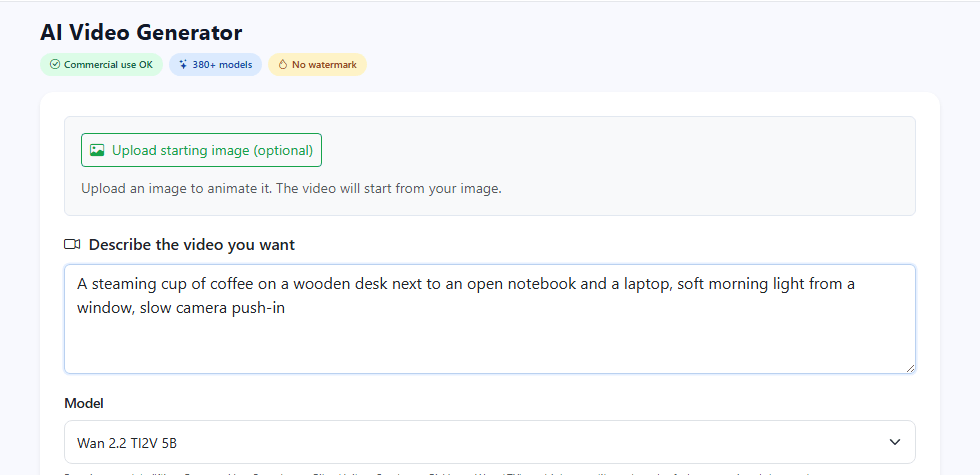
The coffee clip came back as a slow push toward the mug. The window stays bright behind it, the notebook pages sit open on the right, the laptop edge catches the light on the left. It is the shot I described, and it moves the way I asked.
The sourdough one I liked more. The knife comes down through the crust, the cut slice leans away from the loaf, and the flour on the board stays put. Warm light, dark background, nothing my north-facing kitchen could manage.
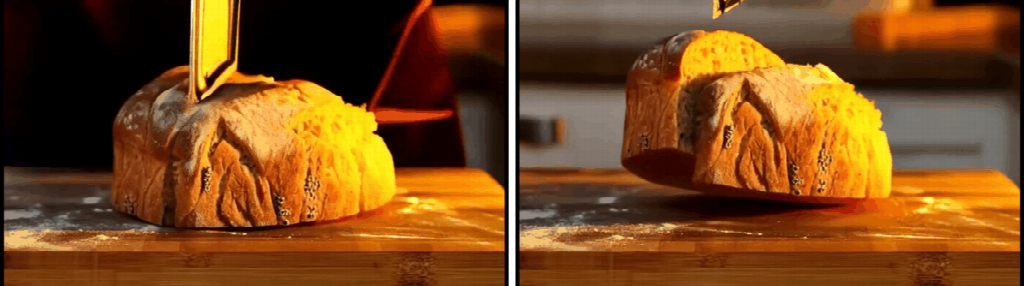
If you want to try the same thing, the ai video generator no sign up page is where I made both of these. Type the prompt, pick the landscape aspect for a header, give it an email when it asks, download the MP4.
The others I tried
I gave the same prompts to the tools that a search for free AI video brings up first. Here is what each one asks for before the first clip.
Kling opened on a sign-in box before showing me anything: Google, Apple or email.
PixVerse was friendlier at first. The prompt box sits at the bottom of the page and let me type the sourdough prompt in full, with a duration and aspect chooser next to it. Pressing Create sent me to a login page.
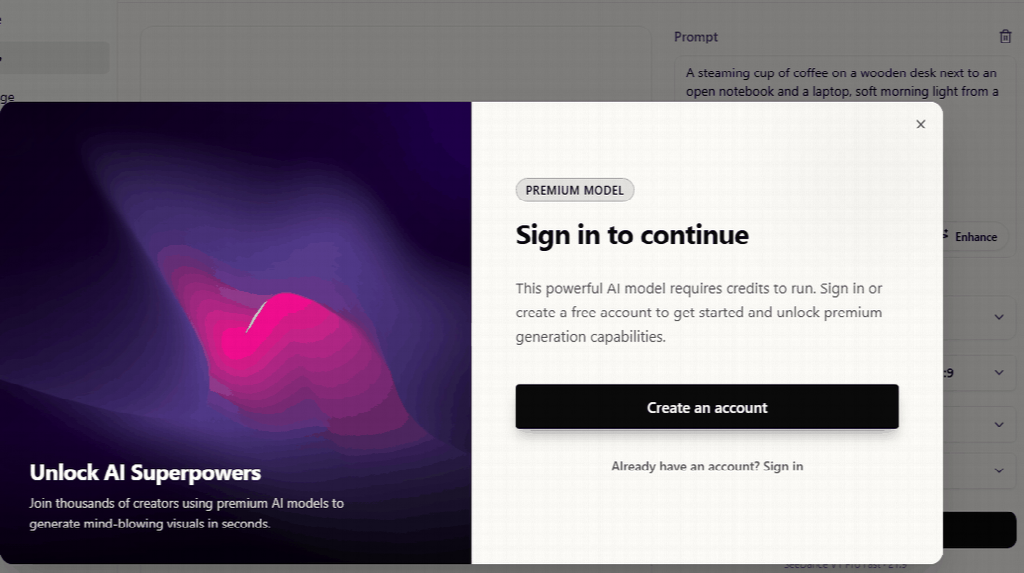
Vheer’s homepage says no signup in large letters. The text-to-video page let me type the coffee prompt, and the Generate button was live. Clicking it opened a box that said “Sign in to continue” and explained that the model it had picked for me needs credits. I opened the model menu to look for a free one; every entry carried a Premium tag. The no-signup promise seems to be about the image tools.
Pika’s “Try Pika” button leads to a sign-up page: email and password, or Google, or Discord. Luma wants a first name, last name and email before it shows a tool. Runway let me into a guest workspace with a prompt box, but the model menu read “Models unavailable” with Login and Sign up in the corner. And Perchance showed a “Coming soon” card over its video page.
| Tool | What it asks before the first clip | What I got | What bugged me |
|---|---|---|---|
| rewind.ai | An email address, no password, no card | Two short clips that matched the prompts | Plan for a loop, not a scene |
| Kling | Google, Apple or email sign-in before the form | A sign-in box | Nothing to look at before signing in |
| PixVerse | Login after you press Create | A login page | The brief goes in, then the door closes |
| Vheer | Login after you press Create, every model marked Premium | A “Sign in to continue” box | The homepage promise did not match the video tool |
| Pika | Email and password, or Google or Discord | A sign-up page | A password to invent for a tool I may use twice |
Writing a prompt for b-roll
Think like the photographer, not the director. Name the subject, the surface it sits on, and the light, in that order. Then one motion: steam rising, a slow push-in, a knife coming down, crumbs falling.
Say close-up or wide. Say where the light comes from. “Warm” and “soft” did more for me than any camera jargon. Leave out brand names, printed labels and latte art; generators smear anything with letters or fine foam lines. A knife coming down from above worked for me. A hand wrapped around a cup handle is the sort of thing I would not ask for in a header, because fingers are where these tools get strange.
Write the prompt as one sentence a person could read aloud. If you would not say it to a human photographer, cut it.
Where a short loop belongs on a blog
The header slot, above or just under the title, is the obvious one and the only one I would use on most posts. A second loop as a divider can work; three on one page is a screensaver.
Set it to play muted, loop, no controls, and keep your still photo as the poster image so the page does not jump while the clip loads. Landscape for a desktop header; if your theme crops headers on phones, check that the subject sits in the middle of the frame, the way the mug does in my coffee clip.
What I would not do
I would not let the clip stand in for the dish. The header loop sets a mood; the photo next to the method shows what should be in the pan, and that one stays a real photo of my real loaf. And I would not pass the clip off as my own footage. A line in the caption that says “AI clip, my recipe” has cost me nothing so far.
The coffee post went up with the drifting mug on Sunday. My mother asked if I had finally bought a camera. I said sort of.